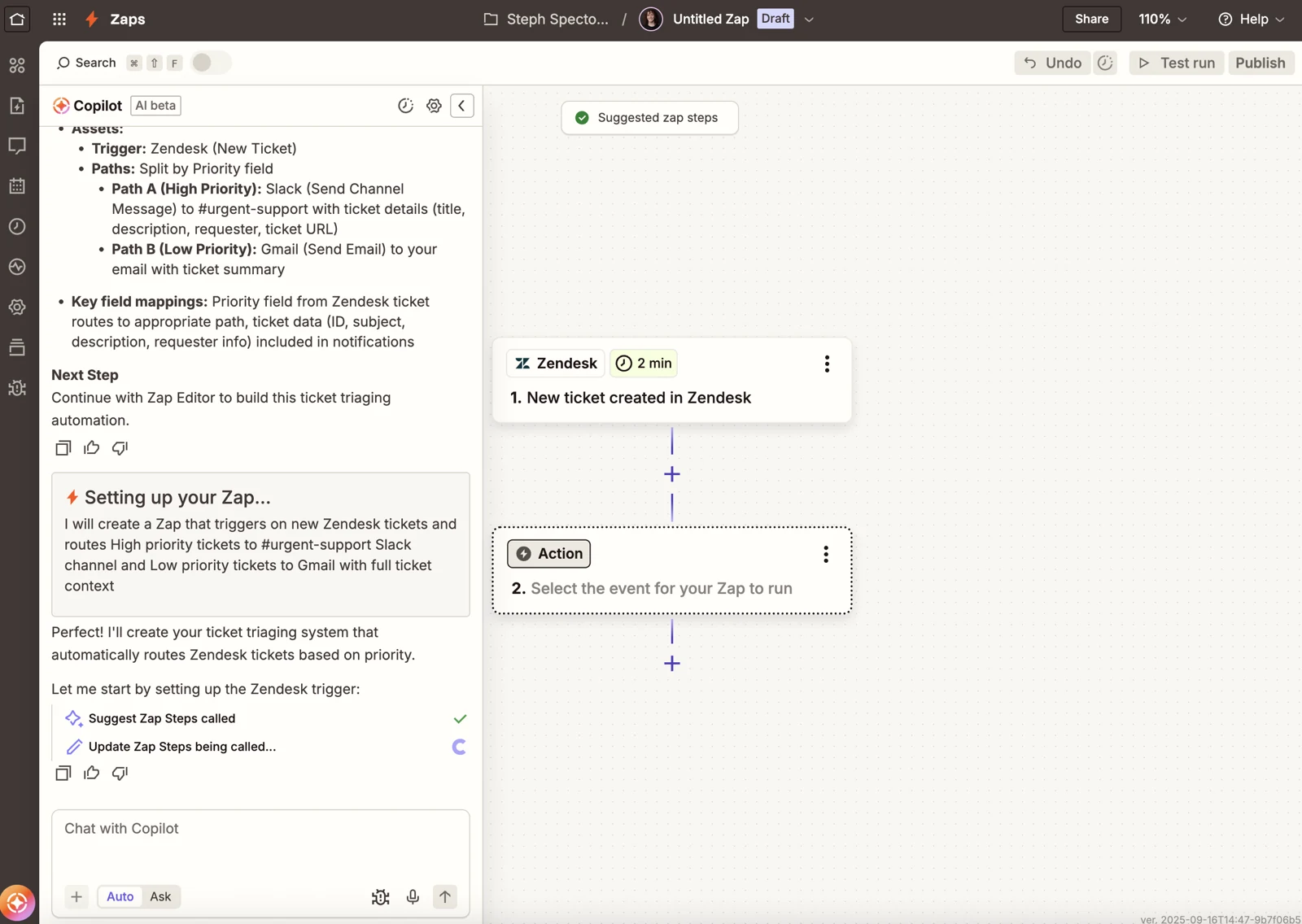
A lead arrives from your website. Someone copies it into the CRM, reads the message, assigns an owner, and writes a follow-up. Automating that chain sounds simple until the same customer submits twice or the message contains three different requests.
Zapier and Make both belong on the shortlist for this kind of work. The useful question is which one lets your team build, understand, and repair the actual process. This comparison uses current vendor documentation and an illustrative lead-routing scenario; it does not report hands-on test results.
The short answer
Consider Zapier first when your required app actions are available and you want to keep forms, lightweight records, and automation together. Consider Make when a visual scenario with multiple branches is central to how your team plans the process. Those are starting points for evaluation, not evidence that either tool is universally easier or cheaper.
What differs on paper
| Decision | Zapier | Make |
|---|---|---|
| Building model | Zap workflows, with Tables and Forms included in the platform | Visual scenarios with modules, routers, and filters |
| Usage unit | Tasks; rates can vary by action and AI usage | Credits; consumption depends on modules and workload |
| Entry plan constraint | Free plan lists two-step workflows | Free plan lists a 15-minute minimum scheduled interval |
| Team handoff | Check shared connections and workflow permissions in the chosen tier | Check team roles and shared scenario templates in the chosen tier |
These platform details come from the Zapier plan comparison and Make plan comparison, checked September 21, 2026. Limits and billing settings can change.
Map one lead before connecting everything
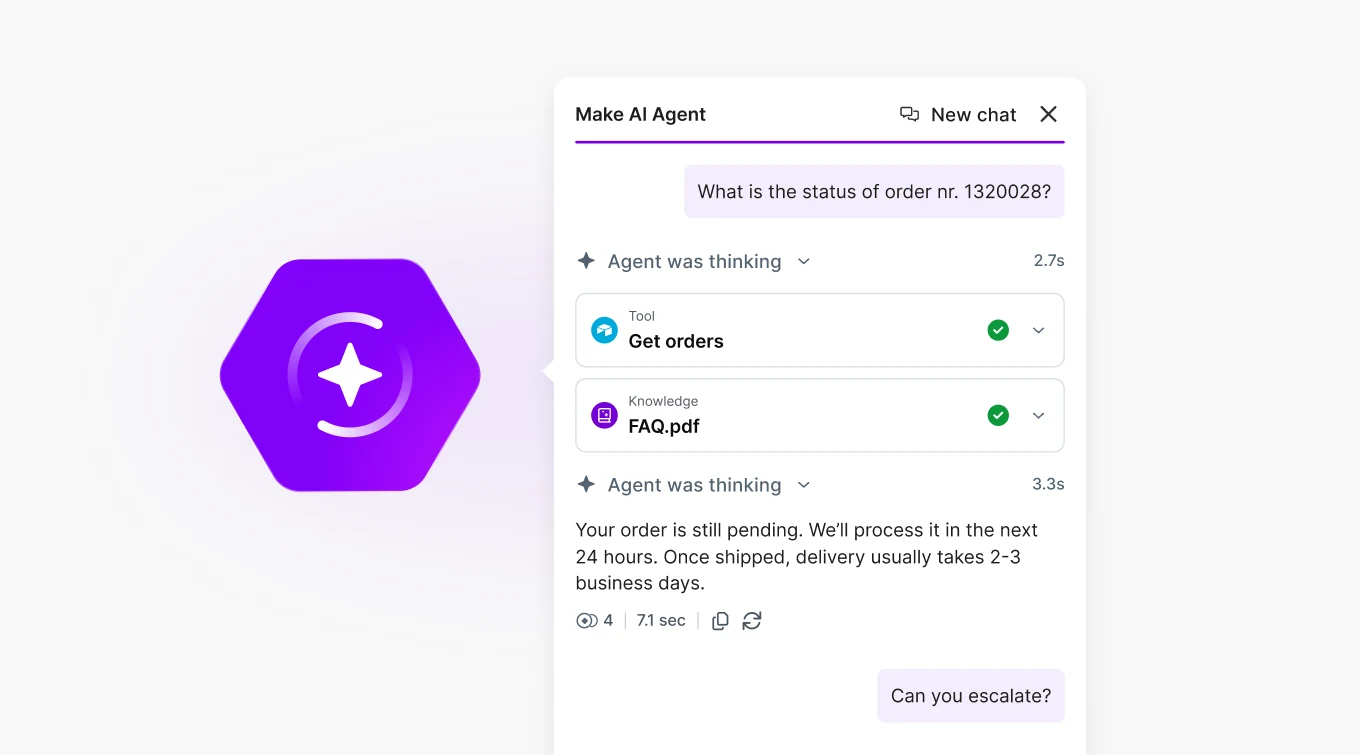
In our illustrative scenario, a small software company wants five outcomes: capture an inquiry, check for an existing record, classify the request, assign an owner, and prepare a response. Write down the fields passed between those steps. An email address identifies a person; it does not necessarily identify the correct account or opportunity.
Give the AI classifier a short list of allowed categories and an explicit “needs review” outcome. A message asking about a refund and an enterprise demo should not silently enter two conflicting sales sequences. Keep the first version limited to preparing a response for approval.
Check actions, not just app logos
An integration directory can show your CRM while the action you need is missing or limited. Can the connector update an existing custom field? Can it return the record ID? What happens when a search finds several contacts? Answer these questions for both platforms before comparing subscription rates.
Use a worksheet with one row per required action. Record the connector, available fields, permissions, and fallback. If a necessary step requires a custom API request, include the time needed to maintain that request in the decision. A longer app directory does not resolve a missing field.
Compare the cost of the same finished job
Do not treat a Zapier task as interchangeable with a Make credit. Follow an identical batch of records through both proposed designs, including branches, AI work, and retries. Then price the observed or documented consumption against the selected plan. Keep third-party model charges separate when applicable.
A useful internal metric is cost per correctly routed inquiry. A workflow that is inexpensive per run but sends every fifth record to manual cleanup may cost more overall. Our AI automation cost guide shows a worked example using hypothetical numbers.
Choose for the person who handles failures
Ask a colleague who did not build the workflow to explain an unsuccessful run. Can they identify the failed step, locate the affected record, and resume without sending a duplicate message? Write down the recovery procedure while the builder is available.
For a small team, that handoff can be more valuable than an additional feature. Favor the design your backup owner can maintain. Keep a manual queue for ambiguous records, set a spending limit where available, and start with one complete workflow before expanding to the rest of the CRM.
Common buying questions
Which is cheaper? There is no defensible answer without the steps, volume, AI usage, and plan. Compare the same completed outcome, not two headline subscription prices.
Do we need AI in every step? No. Use ordinary rules for exact matches and known routing conditions. Reserve AI for work such as interpreting free-text requests, where fixed rules would be cumbersome.